Access
NFC and QR at tables, counters, rooms, or zones.
 TapiScanNFC + QR smart accessNFC + QR
Restaurants
Guests tap, browse, and send requests with table context already included.
NFC and QR at tables, counters, rooms, or zones.
Orders and service requests arrive with context.
Staff review, POS, kitchen, payment, and rollout stay phased.
Restaurant flow
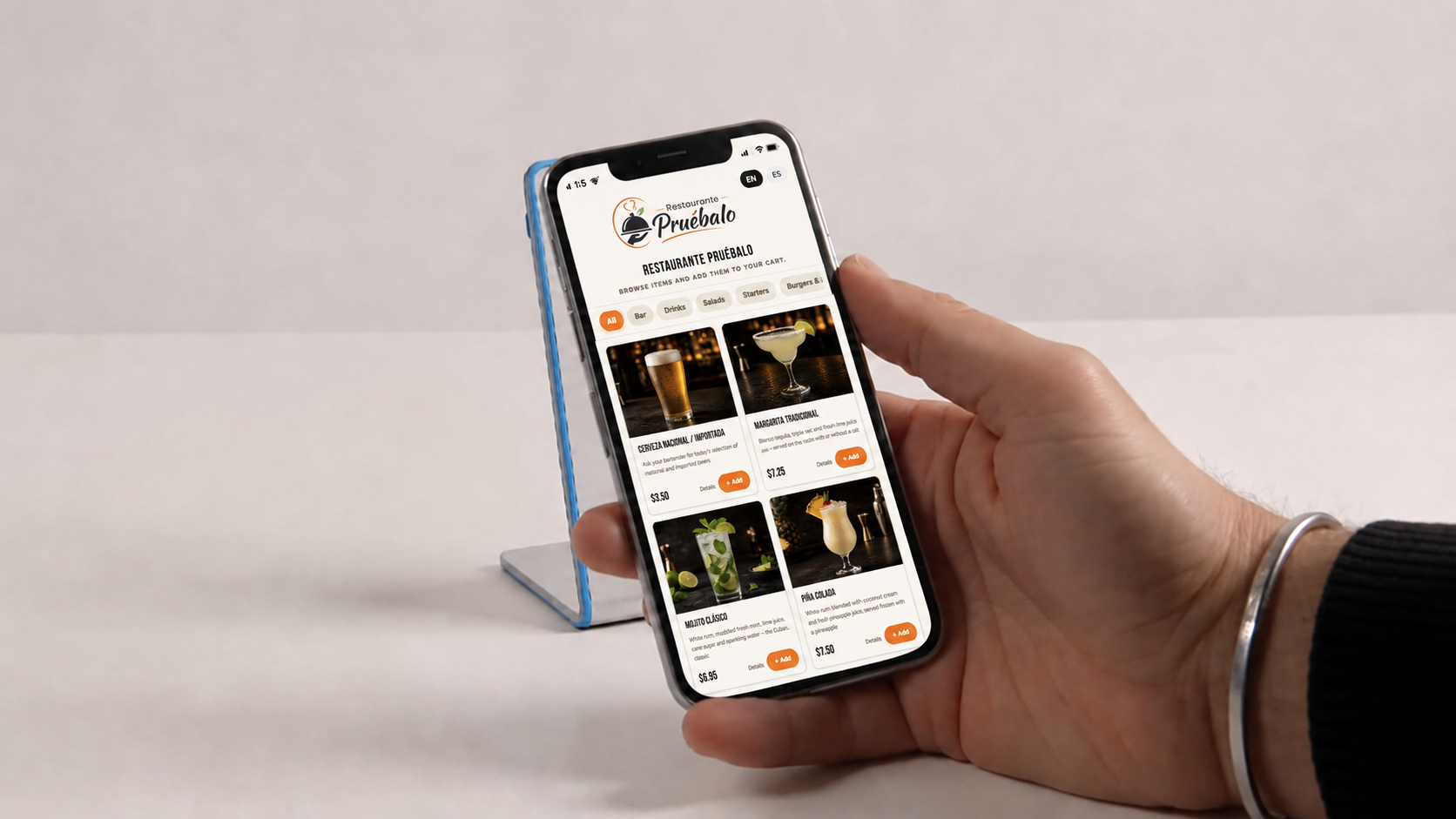
NFC or QR opens the restaurant experience from the table.
What stays organized
TapiScan can start as a menu and grow into service requests, staff review, POS, kitchen, payment, and hardware without forcing every feature on day one.
A simple tap opens the menu, languages, notes, categories, and service actions.
The team can review requests before they become operational work.
Routing, printers, payment, and reporting can be introduced when the restaurant is ready.
NFC, QR, stands, tablets, printers, and POS pieces can be phased by location.
Restaurant demo
Start with access and menu clarity, then add the POS and kitchen pieces when the operation is ready.